

A simple place to start
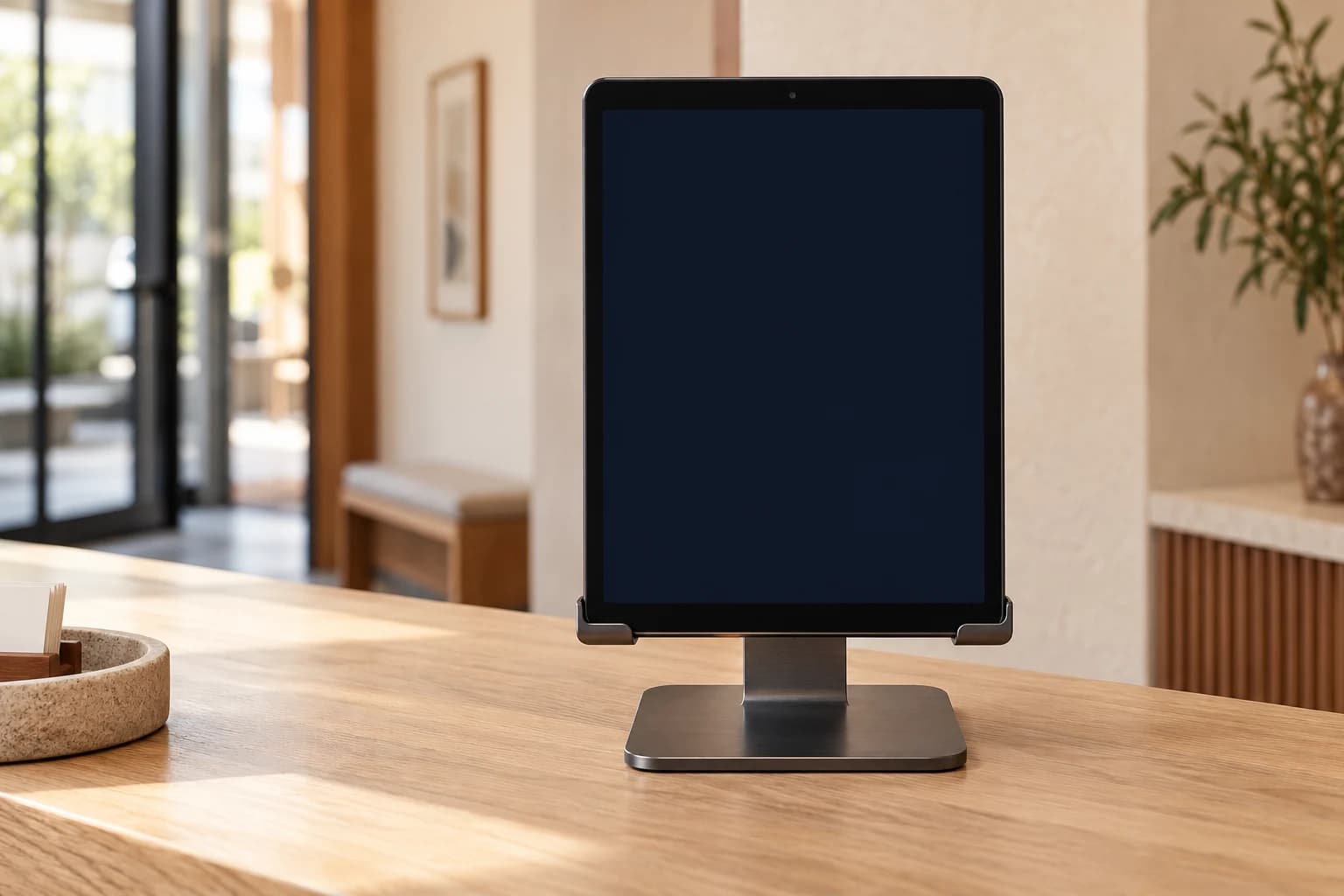
An entrance tablet.
Give a compatible spare phone or tablet a place at the door. It shows a fresh code for staff to scan with the Clockify app.
- At the entrance: a phone or tablet
- For staff: the Clockify app on their phone
A simple scan at the door.
A working day, all accounted for.
Your tablet. Their phone.
No specialist clock-in machine.
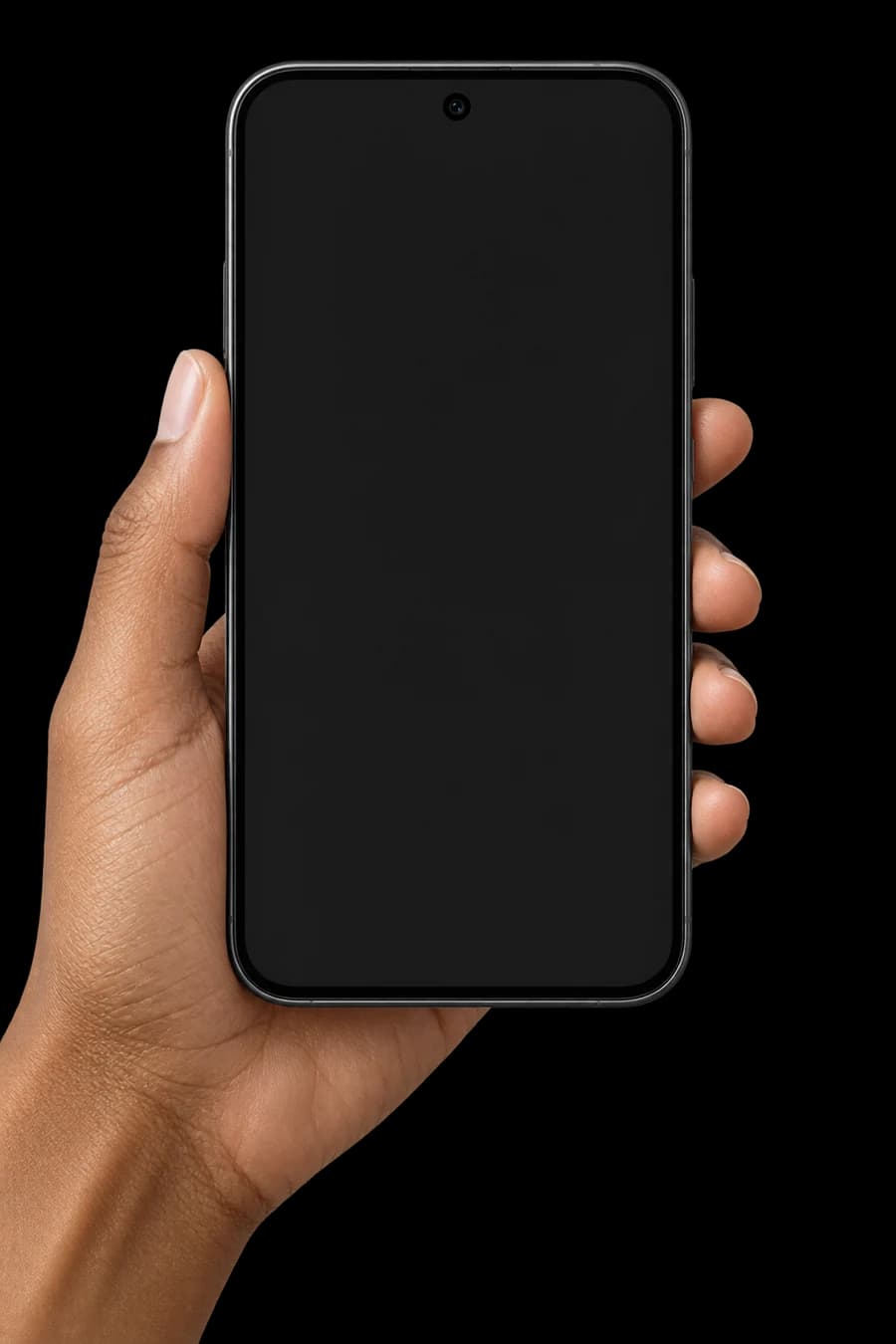
The entrance tablet displays a code. Staff open the Clockify app on their phone and scan it.
Illustrative images and records. No camera or location access.
* For up to 5 people. Works with compatible phones and tablets.
01 / The everyday check-in
Four small steps at the start of a shift. One clear record for the rest of the day.
Explore the check-in demoThe entrance tablet displays a code. Staff open the Clockify app on their phone and scan it.
The app switches to the front camera. A face check on the phone helps confirm who is clocking in.
Clockify checks the face and site location, then uses the server’s time for an online check-in.
A confirmed check-in appears in live attendance. Anything needing a second look goes to a manager for review.
The code on a shared device refreshes every 30 seconds. Staff use their own phone for the selfie and location check. See what happens when a check needs attention
02 / Made for your doorway
A shared device, an NFC card, or a printed QR.
Each brings attendance into the same place.
A simple place to start
Give a compatible spare phone or tablet a place at the door. It shows a fresh code for staff to scan with the Clockify app.
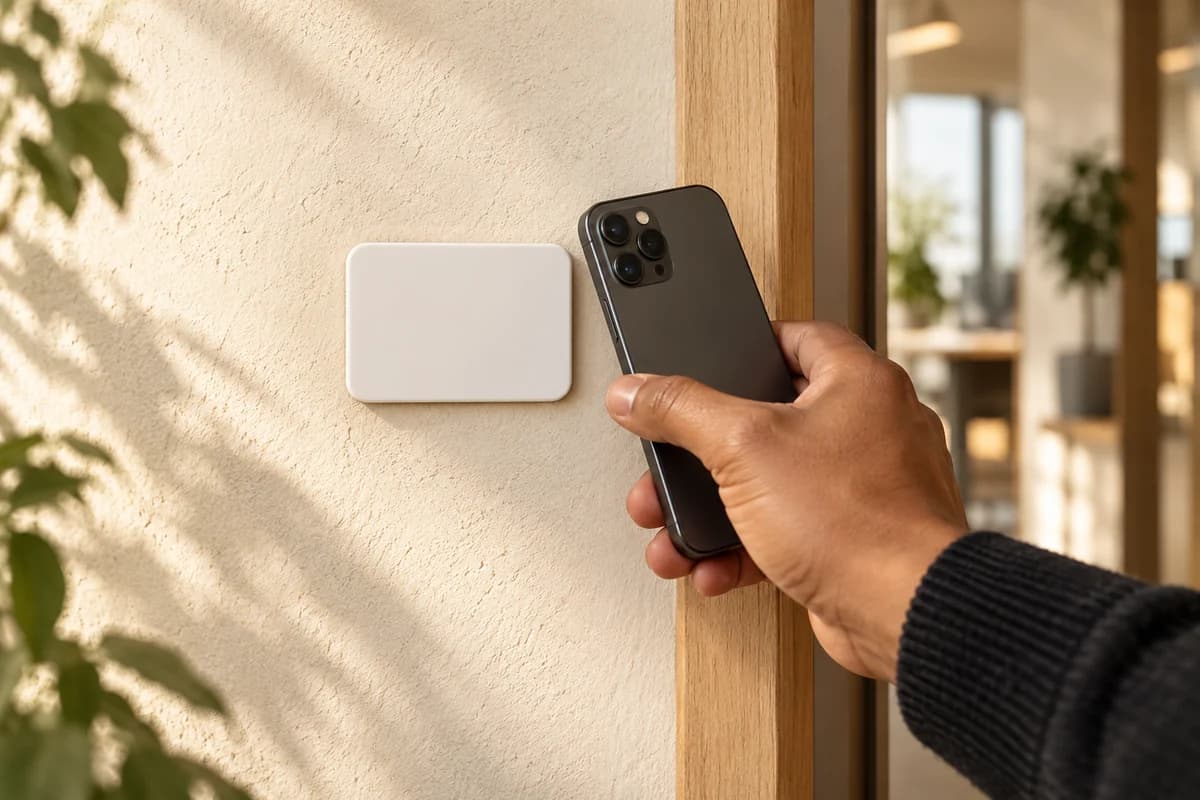
For NFC-enabled staff phones
Place a supported NFC card at the entrance. Staff tap it with their phone, then complete the face and location checks.
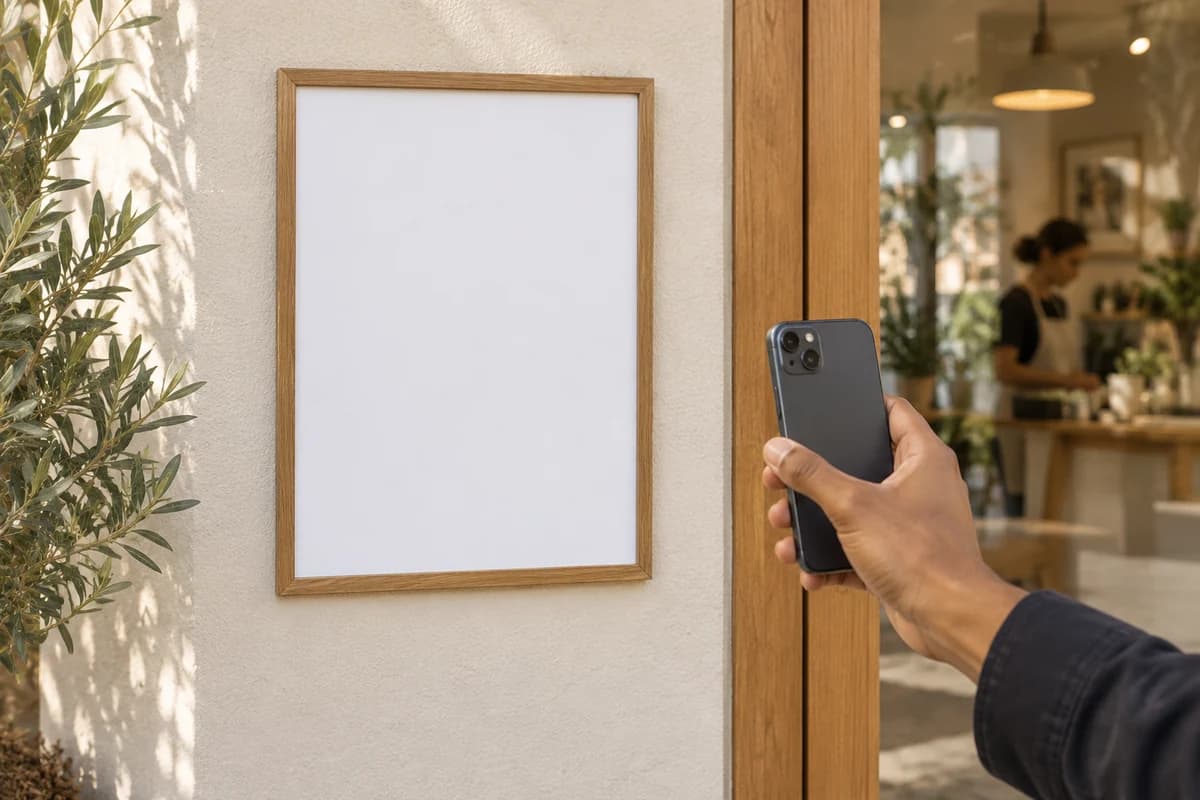
Your printer is the starting point
Display today’s printed QR poster. Staff scan it with the app, take a selfie, and share their location for the site check.
03 / The manager’s view
See arrivals across your sites, follow up on exceptions, and turn daily attendance into useful working hours.
Today · All sites · Your team at a glance
| Employee | Site | Clock-in | Checks | Status |
|---|---|---|---|---|
 Staff 07E-007 Staff 07E-007 | Site 01 | 08:58 | Face · Location · Time | Present |
| 03Staff 03E-003 | Site 01 | 08:56 | Outside site area | Needs review |
| 12Staff 12E-012 | Site 02 | 08:55 | Face · Location · Time | Present |
See that a check-in was recorded, saved offline, or sent for review. Know what to do next.
Review flagged attendance with the available evidence. Confirm what happened before closing the period.
Bring sites, shifts, and timesheets together. See regular hours, overtime, and late arrivals in one place.
04Ready for payroll
Review attendance, confirm the hours, and lock the period. Export a payroll-ready CSV for your payroll system to apply the relevant tax and statutory rules.
General
Site 01
Policy simulator
Employee clocks in at09:27…and clocks out at18:01Status becomes Late12m past the 15m grace. Counts toward the late report, not absence. Payroll hours unaffected.
05 / When the day isn’t perfect
Real workplaces have patchy signal and busy doorways. Staff should know what happened to their check-in.
Once location is captured, a check-in can be saved on the phone while it is offline. It sends when the connection returns, with the phone’s time and an offline marker.
If the available evidence is below your site’s minimum, the punch can be sent for manager review. The manager sees the reason and decides what happens next.
Location is required. If permission is off or the phone cannot get a location, no punch is submitted. The app explains how to fix it and try again.
The shared-device code changes every 30 seconds. Printed daily posters expire too. An invalid or expired credential may be refused; scan the current code and try again.
The app offers guidance when it cannot get a clear face. Find better light, uncover your face, and try again, or use the available manager-assistance flow.
Supported NTAG424 DNA cards provide a signed tap. A copied serial number alone cannot reproduce that proof, and replayed taps are rejected.
06 / A record with a history
Attendance needs to be useful today and understandable later. Corrections keep a trail of what changed.
Staff 07 · recorded at Site 01
“I finished at 18:00.”
The original and the correction remain in the history.
A clear trail of who changed what.
The staff app checks the face on the device. When a punch needs review, a selfie can be stored for a manager to check.
Verification selfies kept for review are deleted after 180 days by default.
Consent for face checks, location, and selfie storage is recorded separately and can be withdrawn.
Each company has its own access boundaries. A dedicated database is available for teams that need one.
07Pricing
Billed monthly in advance. No annual plan. After the 15-day trial a full month is charged, and staff added mid-month are billed for that month.
₹300+ tax / month
Up to 5 people and 5 sites, including a year of stored attendance data.
As you grow
Exact quote at signup.
08Questions
Still have a question?
Write to support@clockify.in, or reach support without signing in.
No specialist machine is required. Use a compatible phone or tablet at the entrance, a printed daily QR poster, or supported NFC cards at ₹1,000 for 3. Staff scan or tap using the Clockify app on their phone, then complete the selfie and location checks.
Clockify checks more than the scan: it also checks the face and the phone’s location. These checks help identify attendance that needs a manager’s review.
A punch with enough evidence is recorded. Lower-confidence punches can go to a manager for review. An invalid or expired code may be refused, and a missing location prevents submission. The app explains the next step.
After capturing location, the app can save a punch on the phone while offline and send it when the connection returns. It keeps the phone’s time and is marked as recorded offline.
Clear the review queue, lock the period, then export the payroll-hours CSV.
Most companies use the shared service, with access boundaries separating each company’s data. A dedicated database is available at twice the plan price.
₹300 + tax a month covers up to 5 people and 5 sites, including a year of stored attendance data. Each additional person is ₹30 + tax a month, and each additional site is ₹100 + tax a month. In the GCC, Singapore, Malaysia, Indonesia, the Philippines, Thailand and Vietnam, prices are 50% higher, in the local currency. See pricing
No. It’s a monthly subscription billed in advance. After the 15-day trial a full month is charged, and staff added mid-month are billed for that month.
180 days by default for verification selfies that are stored, then they are deleted. The staff app can store selfies when a punch needs review. Consent for face checks, location, and storage is recorded separately and can be withdrawn.
Still have a question?
Write to support@clockify.in, or reach support without signing in.
09Your next working day
The wall QR needs nothing but a printer. Add a shared device or NFC cards whenever you like. 15 days free, no payment card.